


Claude MCP Integration: Connecting Databases, CRMs, and APIs
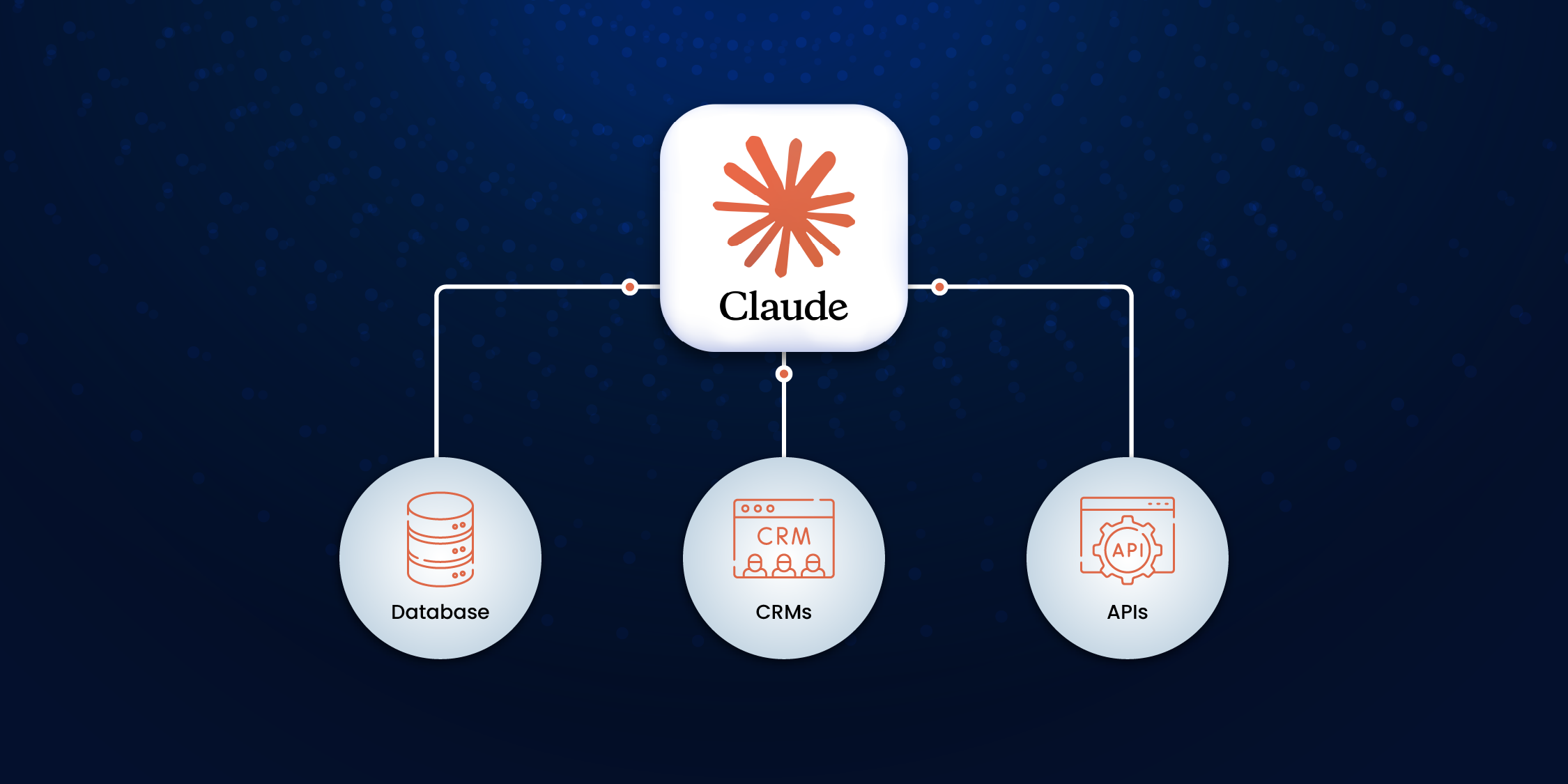
Enterprise information is often spread across databases, CRM platforms, internal applications, and documentation systems. When employees use Claude to analyze business problems or support daily tasks, disconnected systems can limit its access to the latest information and the tools needed to act on it.
Connecting Claude to enterprise systems helps bridge this gap. With authorized integrations, Claude can retrieve relevant business data, query internal resources, and interact with approved tools, making its assistance more contextual and useful.
The Model Context Protocol (MCP) provides a standardized way to connect AI applications with external data sources and tools. It allows organizations to build integrations without creating a separate connection method for every system.
This article explores database connections, CRM integrations, internal APIs, how MCP works, and the security considerations involved in connecting Claude to enterprise environments.
What is an MCP Server and How Does it Work with Claude?
The Model Context Protocol (MCP) is an open protocol that standardizes how AI applications connect to external systems, including databases, APIs, file systems, and business tools. It provides a common interface for accessing data and capabilities without requiring a separate AI-specific integration for every system.
An MCP server acts as a bridge between Claude and an external system, exposing approved tools, resources, and capabilities. Tools allow Claude to perform operations, such as searching a CRM or querying a database, while resources provide access to relevant information, such as documents and records.
An MCP connection involves three components:
• MCP host: The AI application, such as Claude, that manages the interaction with the user and coordinates MCP connections.
• MCP client: The component within the host that establishes and manages the connection to an MCP server.
• MCP server: The component that makes specific tools, resources, and other supported capabilities available to the client.
When a user submits a request, Claude can discover the tools available through the connection and request an appropriate operation. The MCP server processes the request, interacts with the underlying system, and returns the result for Claude to use in its response. This standardized approach simplifies integration across different enterprise systems while allowing organizations to control access to their data and tools.
How MCP Servers Connect Claude to Databases
MCP servers act as intermediaries between Claude and databases, enabling the AI application to access approved data through a standardized interface. MCP implementations are available for database systems such as PostgreSQL, MySQL, and MongoDB, allowing organizations to connect their existing data infrastructure to Claude.
Through an MCP server, Claude can discover database schemas, retrieve relevant records, and execute permitted queries, depending on the tools and permissions configured. Users can ask questions in natural language, such as “Which products had the highest sales last quarter?” The server makes the appropriate database operations available, retrieves the results, and returns them to Claude to interpret and explain.
This approach helps business users explore data without manually writing every query, while technical teams can use it to investigate records, support analysis, and troubleshoot issues more efficiently.
Security remains essential. Database connections should follow existing access controls, least-privilege permissions, and organizational data policies. Restricting production access to read-only operations where appropriate, protecting credentials, and monitoring access can help reduce the risk of unauthorized changes or data exposure.
How MCP Servers Connect Claude to CRM Platforms
Customer Relationship Management (CRM) platforms contain valuable business information, including customer profiles, sales opportunities, communication histories, support requests, and account activities. Connecting Claude to these systems through MCP allows employees to retrieve and work with authorised CRM data using natural language.
An MCP server acts as an integration layer between Claude and CRM platforms such as Salesforce, HubSpot, and other enterprise CRM applications. It exposes selected CRM capabilities as structured tools, allowing Claude to request specific operations without requiring direct access to the underlying application.
Depending on the integration and configured permissions, Claude can retrieve customer information, review sales pipeline activities, summarise customer interactions, and identify relevant account updates. For example, a sales representative could ask, "Summarise the latest interactions and open opportunities for this customer." Claude can use the available MCP tools to retrieve the relevant CRM records and present a consolidated summary.
MCP-based CRM integrations can also support workflow actions, such as preparing follow-up activities, updating customer records, or creating tasks. However, write operations should be restricted through appropriate permissions and approval mechanisms, particularly when changes affect important customer or sales information.
Security and data governance remain essential when connecting Claude to CRM platforms. Organisations should implement secure authentication, role-based access controls, and least-privilege permissions to ensure that users can access only the customer information and CRM operations they are authorised to use. Monitoring tool activity and requiring human approval for sensitive updates can further strengthen accountability.
By connecting Claude to CRM platforms through MCP, enterprises can make customer information more accessible, reduce manual information retrieval, and support more context-aware sales, service, and customer management workflows.
How MCP Servers Connect Claude to Internal APIs
Many enterprise applications expose their functionality through private or internal APIs, enabling systems to exchange data and perform specific operations. However, connecting Claude to these systems often requires an integration layer that translates user requests into controlled API calls.
A custom MCP server provides this layer by exposing approved API endpoints as structured tools that Claude can discover and request through the Model Context Protocol. Instead of building a separate AI-specific interface for every application, organizations can make selected capabilities available through a standardized connection.
For example, an MCP server could expose tools for checking inventory levels, retrieving order statuses, creating support tickets, or accessing information from a legacy application. When a user asks Claude to check the status of an order, Claude can request the relevant tool, and the MCP server can call the underlying API and return the response.
The integration layer handles important controls, including API parameters, input validation, authentication, and authorization. It should verify each request, enforce permissions, and restrict operations to approved endpoints rather than relying on Claude to determine access rights.
This approach is particularly useful for organizations with proprietary workflows or legacy systems that lack ready-made MCP connectors. By building custom integrations around existing APIs, enterprises can extend Claude's capabilities while retaining control over how internal systems and data are accessed.
Key Business Benefits of MCP-Based Claude Integration
Integrating Claude with enterprise systems through the Model Context Protocol (MCP) can help organizations connect AI capabilities with their existing business data and workflows. Key potential benefits include:
1. More Relevant Responses
With access to authorized business data, Claude can provide responses grounded in current customer records, project updates, and internal documentation rather than relying solely on information shared in the conversation.
2. Less Manual Work
Teams can reduce repetitive tasks such as searching across applications, retrieving records, and manually copying information between systems.
3. Reusable Integrations
MCP provides a standardized interface for connecting AI applications to external tools and data sources. Organizations can reuse compatible integrations across supported AI clients, reducing the need to build separate interfaces for each application.
4. Better Workflow Support
Claude can use connected tools to support multi-step processes, such as gathering information, analyzing records, and preparing follow-up actions across enterprise systems. The available capabilities depend on configured permissions and action controls.
Together, these benefits can help enterprises make AI more context-aware and better integrated with everyday operations, while keeping access and actions subject to appropriate governance
Security Considerations When Connecting Claude to Enterprise Systems
Connecting Claude to enterprise systems through MCP can improve access to business information, but it also introduces security considerations. MCP is an interoperability protocol, not a complete security solution. Organizations must implement appropriate controls across connected applications, APIs, databases, and MCP servers.
Key considerations include:
• Authentication and authorization: Verify identities and use role-based permissions and least-privilege access so Claude can access only the data and tools required for a task.
• Restricted database access: Prefer read-only database tools where possible, particularly for analysis and reporting workflows.
• Secure credentials: Store API keys and secrets in approved secrets-management systems. Use OAuth for supported remote integrations and manage token expiry and rotation.
• Human approval: Require explicit approval for sensitive write operations, record updates, or destructive actions.
• Monitoring and auditing: Log relevant tool calls, monitor unusual activity, and review access records to support accountability.
• Data protection and prompt-injection risks: Limit sensitive data exposure, validate tool inputs and outputs, and treat external content as potentially untrusted. Malicious instructions embedded in retrieved documents could otherwise influence an AI workflow.
How Feathersoft Helps Enterprises Implement Claude MCP Integrations
Feathersoft helps organizations connect Claude and Claude Code to enterprise applications, databases, CRMs, internal APIs, and legacy systems through tailored integrations. Its approach focuses on making these connections useful, secure, and suitable for production environments.
From designing integration architecture and configuring MCP servers to establishing access controls and governance policies, we help businesses align AI capabilities with their existing systems and workflows. It also supports custom API integrations, workflow configuration, and deployment planning based on organizational requirements.
Rather than starting with an enterprise-wide rollout, businesses can begin with one clearly defined use case, establish success measures, and evaluate the results before expanding to additional workflows.